Interview
From prototype to production
Source videoEnglish
ENAI-dubbed videoChinese
中文A complete AI voice studio that runs entirely on your computer. No cloud. No subscriptions. No limits on what you create.
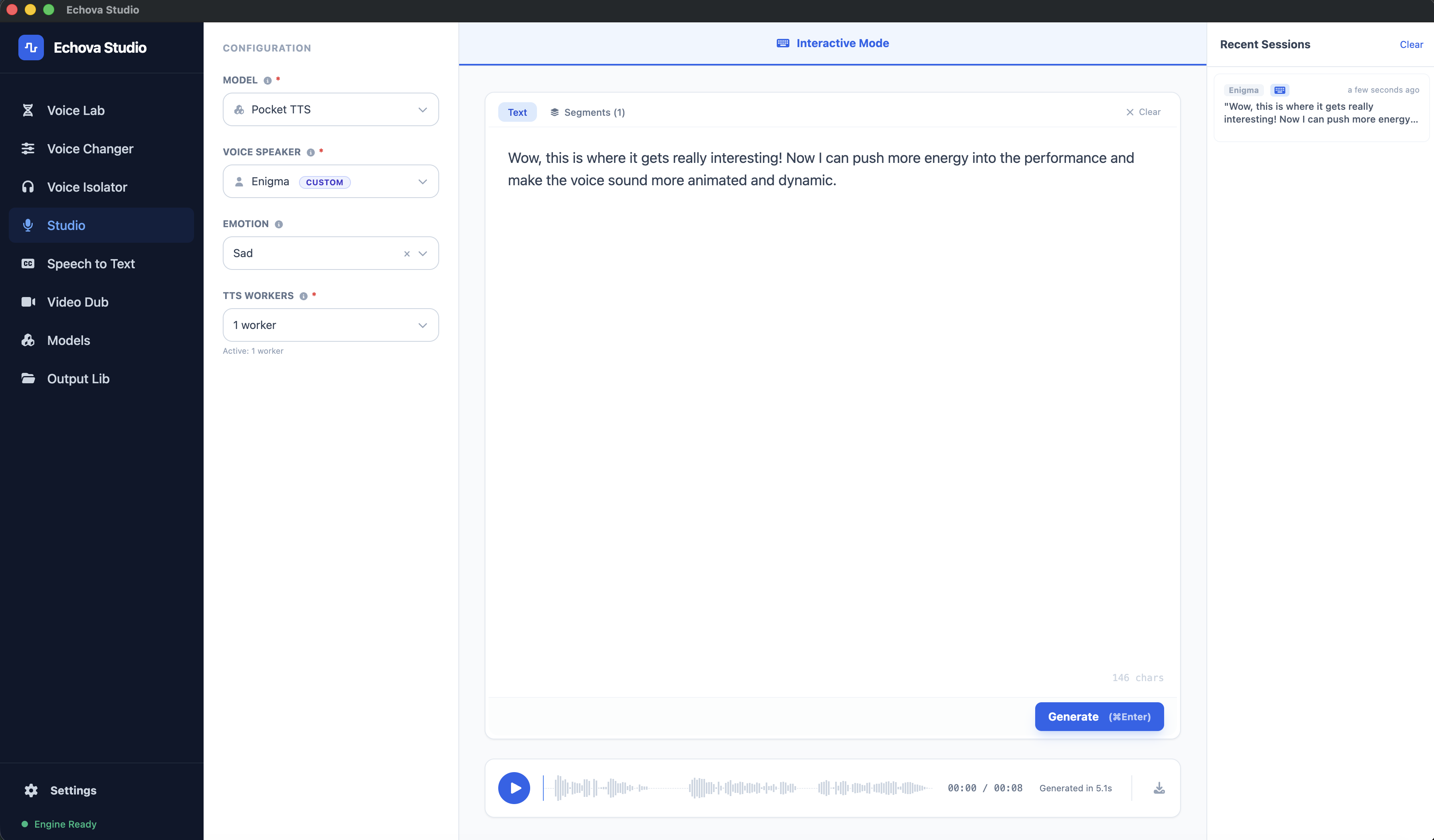
Inside Echova Studio
Generate voiceovers, clone voices, dub videos, transcribe audio, isolate vocals, and transform speech — all from a single local interface. No cloud. No API keys. No stitching tools together.
Echova Studio
WHO IT'S FOR
Test ad voiceovers, product demos, and message variants as many times as you need — without burning credits on every iteration.
Narrate lessons from scripts, update modules without re-recording, and export subtitles — all from one app instead of three.
Generate voiceovers, transcribe edits, and test dubbed versions — without leaving your desktop or uploading raw footage to a cloud tool.
Transcribe episodes, isolate vocals, and generate intros, clips, or alternate takes — cut hours off your post-production workflow.
Create onboarding walkthroughs, support explainers, and release videos with a repeatable voice pipeline your whole team can use.
Handle client audio and video locally — for projects where source files should never leave your machine or touch a third-party server.
Founder-led demo
Join the founder for a hands-on walkthrough of Echova Studio. Explore the app, hear the voices, and see what you can create on your own computer.
Voiceovers in action
Explore finished reels, stories, and product demos with voiceovers created in Echova Studio. Press play to hear what you can create.
Storytelling
Fantasy narration
Product demo
Tech explainer
Multilingual demo
Video dubbing
Hear the original, then play the dubbed version. See how Echova Studio brings the same video to a whole new audience.
Interview
Interview
MCP
Connect Echova Studio to your favorite compatible AI agent. Ask for a voiceover, transcript, dub, or clean dialogue in plain language—then let the agent handle the production steps and bring the result back to you.
Give your AI agent the instructions it needs to work with Echova Studio.
npx skills add iaz33m/agent-skills --skill echova-studioNo tool names, API commands, or repetitive clicking. Just describe the outcome.
“Use my saved Narrator voice to turn launch-script.txt into a natural English voiceover, then return the WAV.”
Your agent checks what is ready, follows the job, and returns the local result.
VOICE LIBRARY
Browse voices by language, style, and use case — then use them across TTS, dubbing, and cloning workflows. Hit play to hear each one.
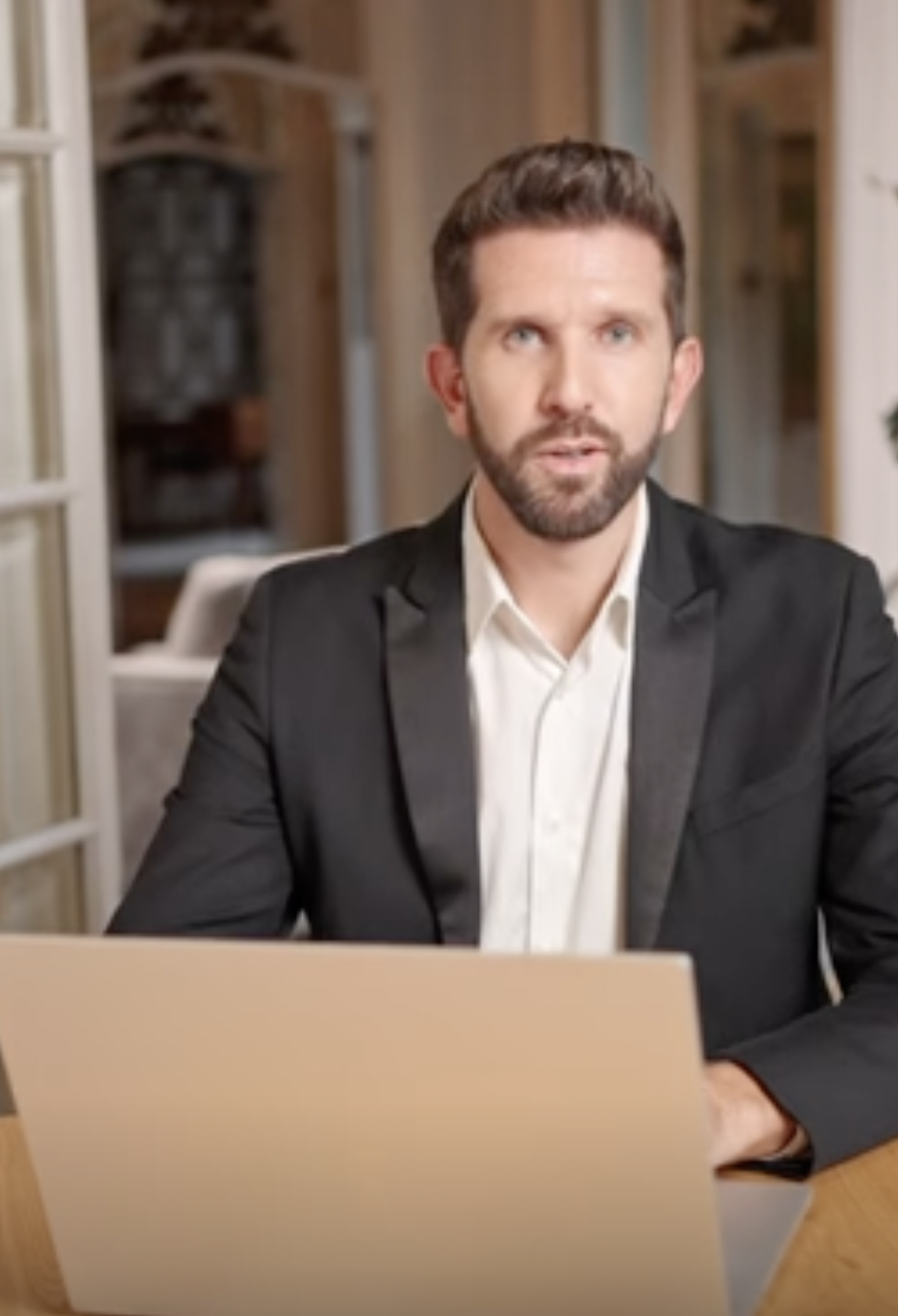
Clear and approachable — built for courses, tutorials, and e-learning content where the instructor needs to sound knowledgeable without being stiff.
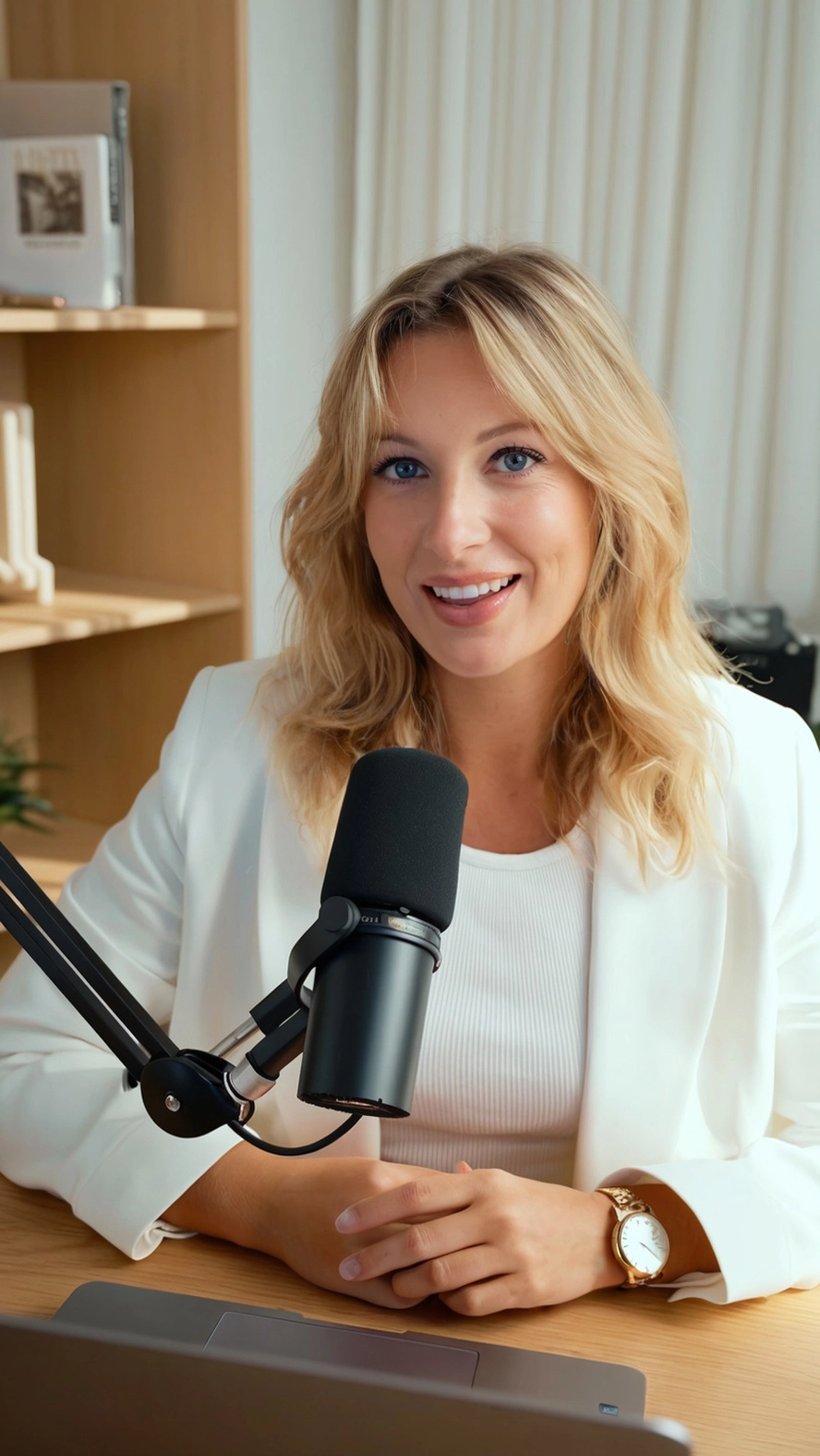
Soft and melodic US voice — built for audiobooks, documentaries, and storytelling where the narration needs to feel intimate and lived-in.

Polished and warm — made for ads, promos, product videos, and brand content where the voice needs to feel premium without being pushy.
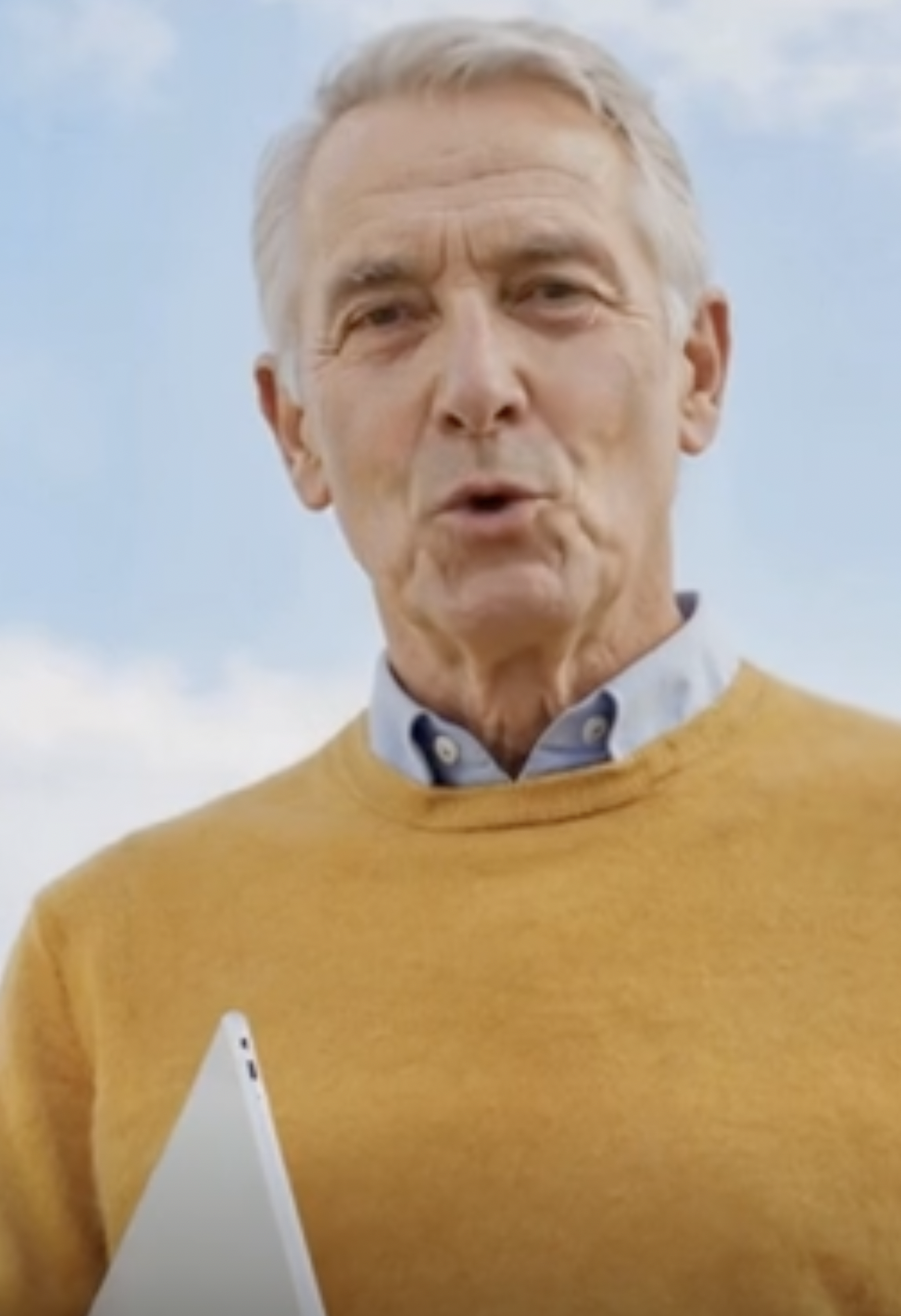
Cold and calculating US voice — built for games, animation, storytelling, and audiobooks where the character needs to feel intelligent and quietly menacing.

Smooth and rich US voice — built for audiobooks, documentaries, video essays, and long-form storytelling that demands elegance and depth.
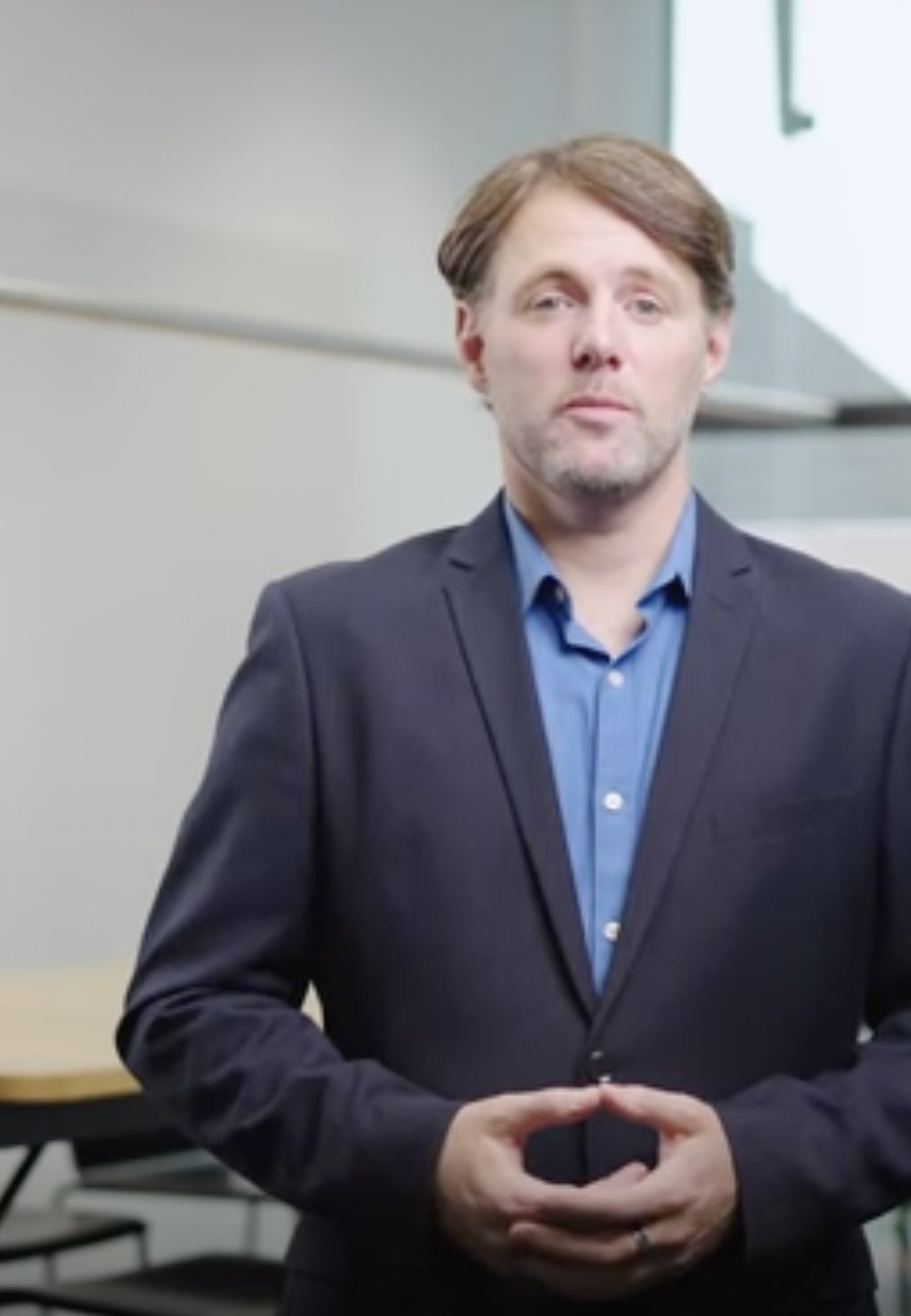
Authoritative and steady US voice — built for presentations, internal comms, onboarding, and IVR where the voice needs to command respect without being cold.
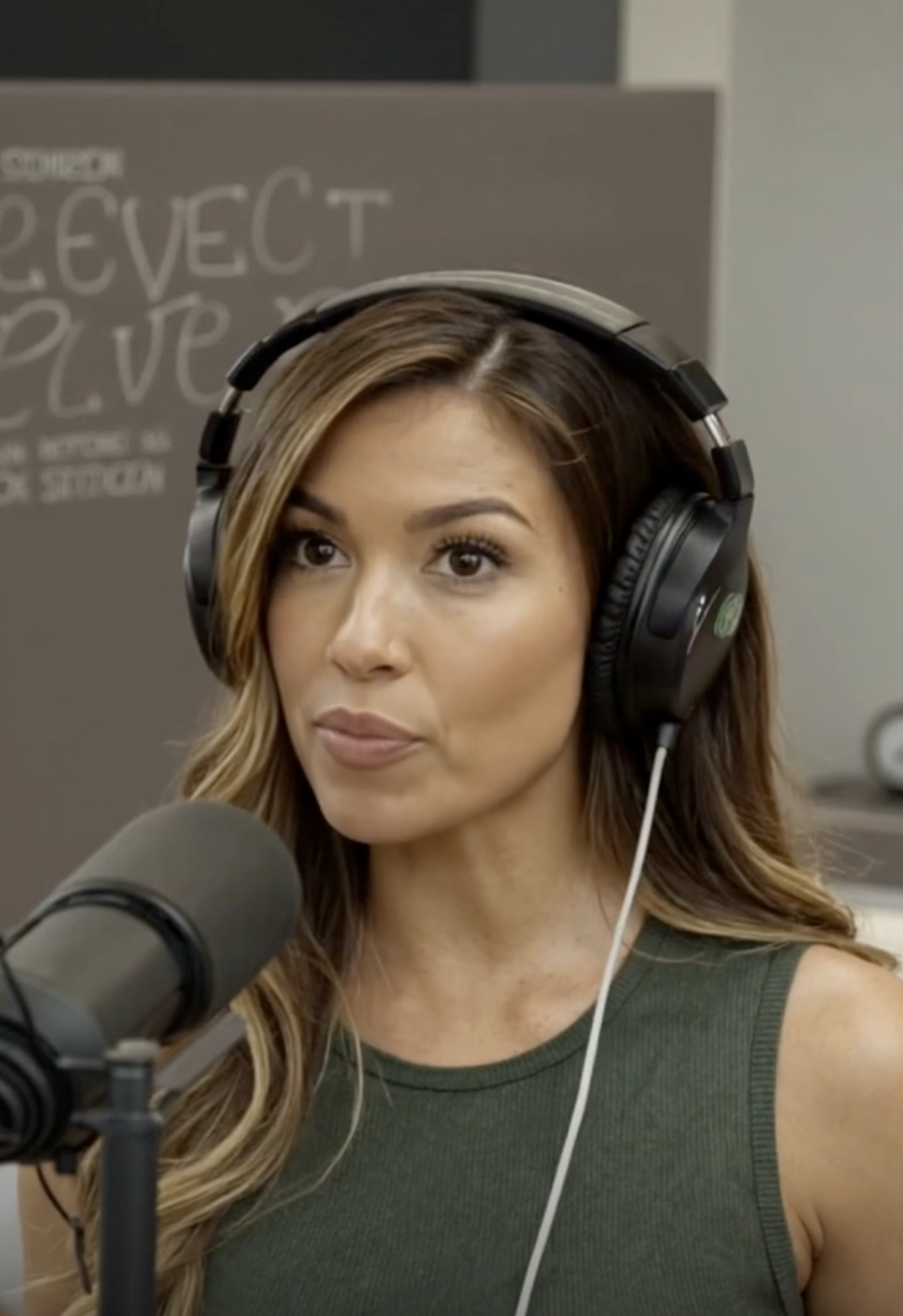
Neutral and friendly US voice — built for podcasts, social media, explainers, and vlogs where the voice needs to feel balanced and genuinely warm.
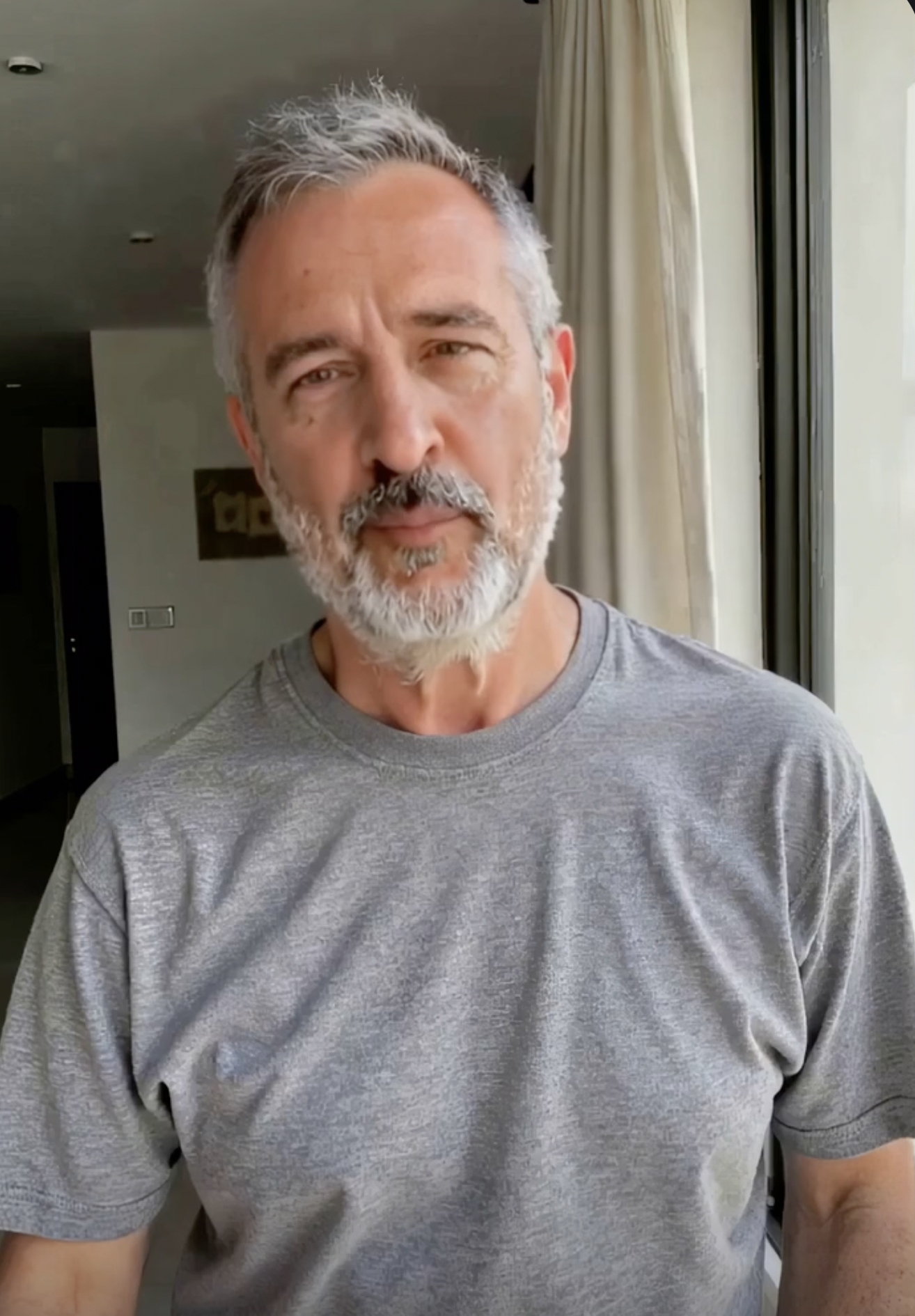
Deep Southern storytelling voice — built for audiobooks, documentaries, video essays, and any narration that needs warmth, weight, and the patience of a front-porch conversation.
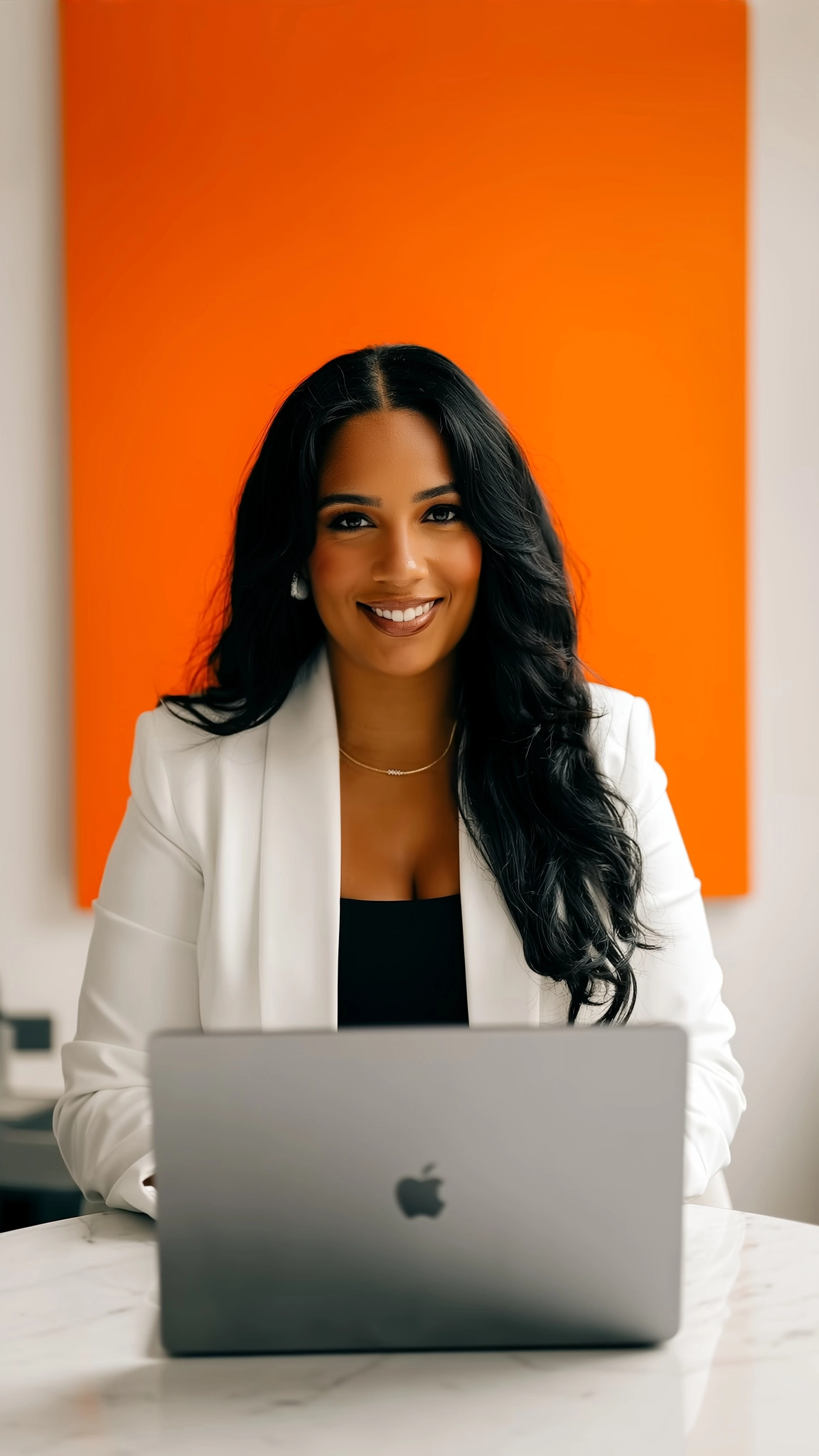
Warm and motivating Indian English voice — built for courses, tutorials, e-learning, and training modules where the instructor needs to encourage without patronizing.
Warm and approachable US voice — built for ads, promos, product videos, and brand content where the voice needs to feel friendly and trustworthy, like a recommendation from a mate.
EMOTION-BASED VOICE STYLES
Control how your voiceover feels, not just what it says. Click any style below to hear the same voice shift between normal, nostalgic, sarcastic, whispering, and more.
Male Voice
Female Voice
Voice Creation
Love the voice library? Great. But if you want something that doesn't exist yet - a cartoon sidekick, a fantasy narrator, a mysterious villain - you can design it from scratch with a text prompt. Describe the voice you hear in your head, and Echova Studio brings it to life locally on your machine.
Curious Kid
Created with a text prompt
Ancient Dragon
Created with a text prompt
Dark Witch
Created with a text prompt
Action Hero
Created with a text prompt
Gentle Storyteller
Created with a text prompt
Cartoon Mascot
Created with a text prompt
Sci-Fi AI Commander
Created with a text prompt
These voices were all created with a single text prompt inside Echova Studio.
VOICE CLONING
Record a short clip or upload an existing sample - and Echova Studio builds a voice clone that sounds like you. Use it across TTS, dubbing, and every workflow in the app. Your voice stays on your machine. Always.
The Narrator
A flat voice sample transforms into immersive audiobook narration.ORIGINAL
A simple voice sample recorded for cloning
"I consent to my voice being used for voice cloning."
CLONED OUTPUT
New text, same voice - generated by Echova Studio
"The forest was quiet that morning. Not the peaceful kind of quiet - the kind that makes you stop walking and hold your breath. Somewhere between the fog and the first light, something was waiting."
EXPRESSIVE SPEECH
Drop a tag into your script and hear the difference. A laugh before a punchline. A sigh before bad news. A hesitation that makes a line feel real. These aren't sound effects - they're part of the voice itself.
WITH TAGS
So I told the whole team we should pivot to selling hats. [chuckle] I had a slide deck and everything. Fourteen slides. [laugh] Nobody laughed. Not one person. The thing is — I wasn't joking.WITH TAGS
[clear throat] You think you've won. [laugh] That's adorable. Everything you think you figured out, every move you made — [chuckle] I let it happen. All of it. Enjoy this moment. It's your last.BLIND LISTENING TEST
Voice capture
Speak naturally. Keep your flow.
Turn spoken thoughts into text for emails, messages, notes, and prompts. Echova Whisper captures your voice, transcribes it on your computer, and inserts the text into the app you're working in. Your audio stays local.

Text to Speech
Generate voiceovers in 600+ supported languages without uploading a single file to the cloud.
Six tools that replace the cloud apps you're stitching together for voice, transcription, and localization.
Turn scripts into voiceovers with full control over voice, speed, and pacing. Save your preferred voices and generate segment by segment — no credits, no upload wait.
Clone any voice from a reference clip and reuse it across voiceovers and dubbing. Build a private voice library that stays on your machine or use 100+ existing voices.
Transcribe audio and video locally, edit the transcript in-app, and export as TXT, SRT, or VTT — ready for your editor timeline.
Dub videos into new languages using your saved or cloned voices. Create localized drafts in one step — no separate translation tool, no third-party upload.
Strip vocals from background audio to prep clean files for dubbing, remixing, or re-recording. All processed locally — nothing uploaded.
Swap the voice in any audio or video clip — locally. Create alternate versions, anonymize speakers, or test different voice styles without re-recording.
Generate voiceovers in 600+ languages and dub from 600+ source languages. Use language-aware models and your saved voices to localize content without switching tools.
Client audio and video never leave your machine. Built for teams handling sensitive media who can't afford to upload everything to a third-party cloud.
The Echova family
Echova Studio brings voices, audio, and video to life. Echova Pixel turns words into images. Two focused apps, built for creating on your own computer.
Comparison
You'll spend more on one month of most cloud voice tools than on a lifetime Echova Studio license.
Cost
$22–$99/mo
(recurring)
Cost
$99.9 $34.96
— once, forever
How Teams Use It
See how creators, educators, and production teams use Echova Studio to replace cloud subscriptions and keep their voice workflows local.
Updating a single lesson used to mean rebooking a voice artist and waiting days. Now I just edit the script, regenerate, and publish. Subtitle exports alone save me a few hours every week.
PRICING
No monthly renewals, no credit packs, no tier upgrades. Pay once and own your voice studio.
No hidden caps. No throttling. No "unlimited*" with an asterisk. Your local generation is genuinely unlimited — bounded only by your hardware, not our billing.
Test the engine with full English TTS — free forever.
For creators, teams, and production workflows that need the full engine.
Use code EARLYBIRD65 for 65% OFF from Gumroad.
Compatibility
Echova Studio exports WAV, MP3, SRT, VTT, and TXT — standard formats that work instantly in any video editor, audio tool, or content pipeline.
Your exports. Your editor. No lock-in.
Drop voiceovers and captions straight into your timeline.
Import audio and subtitles into editing and color workflows.
Add AI voiceovers and subtitle overlays to social edits.
Import narration and subtitles into Mac editing workflows.
Sync voice tracks to motion graphics as timing references.
Import audio into script-based editing and podcast workflows.
Mix, clean, and master exported voice files.
Layer voiceovers into podcast and post-production sessions.
Add narration to tutorials, screen recordings, and demos.
Add narration and subtitles to training and course videos.
Quick voiceover and podcast edits with standard audio files.
Trim, clean up, and convert exported audio files.
Intel Macs are not supported.
Coming Soon
Free Starter includes Studio (Text to Speech), Voice Cloning, and Speech to Text — with clean exports, commercial use rights, and no watermark. Generation is limited to 5 hours per day (resets daily), English only, and the Pocket TTS model. Video Dub, Voice Changer, Voice Isolator, Batch Processing, advanced models, and additional languages are Pro-only.
No. Some models and features run fine on CPU, so you can get started on most modern machines. A dedicated GPU will speed things up for heavier workloads like batch processing or larger models, but it is not a hard requirement to use the app.
The app installer itself is lightweight. Models and optional runtime dependencies (for transcription, voice separation, etc.) are downloaded separately and you choose which ones to install. You can start with just what you need and add more anytime from the Models page.
Yes. Echova Studio is available for both Windows and macOS. Download the version and runtime path for your platform from the download page.
Free Starter gives you access to Studio (TTS), Voice Cloning, and Speech to Text in English with clean exports and commercial use rights — completely free. Generation is capped at 5 hours per day (resets daily) and limited to the Pocket TTS model. Pro Studio is a one-time $99.9 $34.96 offer that removes the daily cap, unlocks all 600+ languages, gives access to the full curated model library, and adds Video Dub, Voice Changer, Voice Isolator, and Batch Processing.
Free Starter includes a daily generation cap of 5 hours, which resets every day. You can still generate unlimited audio over time — there is just a daily ceiling. Pro Studio removes this limit entirely with no daily cap, no fair-use policy, and no hidden throttling.
No. Pro has no daily caps, no monthly credits, no fair-use policy, and no hidden limits. Local generation is truly unlimited — you are only bound by your own hardware.
Yes — on both plans. Free Starter and Pro Studio both include commercial use rights and clean exports with no watermark. We want you to test Echova Studio on real projects, not throwaway demos.
Echova Studio comes with a 60-day money-back guarantee — no questions asked. If it is not the right fit, contact support and you will receive a full refund.
Voice Lab is where you create, organize, and manage all your voices — both built-in and cloned. You can clone a voice from a reference audio clip, preview it, save it, and reuse it across Text to Speech and Video Dub workflows. Voice creation is available on both Free Starter and Pro.
Free Starter supports English only. Pro Studio unlocks Text to Speech in 600+ languages. Video Dub can accept source video in over 200 languages and dub the output into any of those 600+ supported languages.
Free Starter includes the Pocket TTS model, which is lightweight and works well for testing and everyday English generation. Pro Studio unlocks the full curated model library with advanced models that offer higher quality, more languages, and broader voice options.
Yes. Different models offer different tradeoffs between speed, quality, and language support. Echova Studio lets you choose the right model for the job — faster models for quick drafts, higher-quality models for final output.
Echova Studio exports WAV, MP3, SRT, VTT, and TXT. These are standard formats that work with virtually any video editor, audio tool, or content pipeline — including Premiere Pro, DaVinci Resolve, Final Cut Pro, and more.
Core creation workflows — generation, transcription, dubbing, voice cloning, and isolation — all run locally on your machine after the initial app and model setup. Some steps like license activation or model downloads require an internet connection, but once set up, your day-to-day work runs offline.
Your files never leave your machine during core processing. Generation, transcription, cloning, and dubbing all happen locally. Echova Studio does not upload your audio, video, or project files to any external server.

